Terrain settings
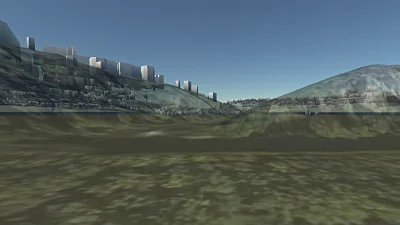
Terrain settings
Go to gallery demo
Raster settings
Part of the SceneSettings, RasterSettings dictate the appearance of the imagery rasters that are displayed on the terrain. These settings can affect how sharp the rasters appear, and what resolution they are downloaded at. See the documentation for more details.
Terrain settings
The TerrainSettings from SceneViewSettings modify the appearance of the terrain in each view:
- The terrain can be made transparent, and its base colour can be changed (by default it is blue).
- Lighting and shadows can be [de]activated.
- DTM raster layers can be disabled.
- This is also where the clipping plane applied to the terrain can be chosen.