Selection & highlighting
There are two types of object highlighting in Horizon: via selection and via mouse hover.
Selection highlighting
Individual features in the scene can be selected to be highlighted. Each feature is identified by the handle of the layer it belongs to, and an individual ID. IDs are tuples of attribute IDs and values, as defined in each layer. (Single model layers have no feature IDs, as they only have one feature per layer. Their feature ID is an empty tuple.) If no feature IDs are present, highlighting is not possible.
Any number of features can be selected at once. Additionally the style of the highlighting can be changed using the HighlightSettings field of the SceneViewSettings.
Mouse hover highlighting
A common feature of visualization application is highlighting the feature that is under the mouse. This could be implemented by the integrating application using the picking and selection systems, however the picking system requires a round-trip through the application layer via the message queue, and is generally quite heavy because it needs to fetch detailed information about the layers, and the selection system is not designed for fast, frequent updated.
Instead, just like the mouse hover info system is a faster alternative to picking, Horizon provides this mouse hover highlighting feature built-in. It can be enabled and its refresh rate can be configured using the ConfigureMouseHover method. The highlighting color can also be configured using the HighlightSettings field of the SceneViewSettings.
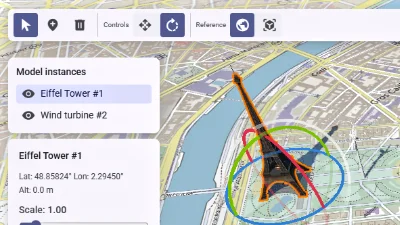
Scene editor
Go to gallery demo
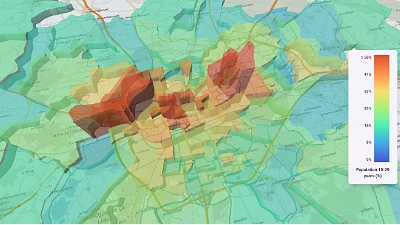
CSV data & histogram
Go to gallery demo