Styling and filtering 3D Tiles
3D Tiles can be styled and filtered using a styling script. If no script is defined, the tiles are displayed with their default appearance.
3D Tiles can contain feature attribute data. In order to be able to use the values, attribute names and types must be declared. The script can then refer to these attributes as usual. Attribute may also be loaded using the 3DTILES_batch_table_hierarchy extension.
Attribute values that come from the 3D Tiles themselves must use the value ThreeDTileAttributeSource.BATCH_TABLE_SOURCE for their source field, whether they are stored with the 3DTILES_batch_table_hierarchy extension or not.
When using the 3DTILES_batch_table_hierarchy extension, attributes containing the class ID and class name of each batch can be generated. To do so, use the BATCH_CLASS_ID_SOURCE and BATCH_CLASS_NAME_SOURCE source values. These attributes can then be used like any other attributes, for instance during styling or picking.
Attribute values can also originate from a vector data layer, with the VECTOR_DATA_LAYER_SOURCE. The attributes of the 3D Tiles can be declared to form feature IDs with their is_feature_id field. A vector data layer with a compatible feature ID declaration, and sources with the ACCESS_BY_FEATURE_ID access type, can then be used to load attribute values, available at styling time and when picking features.
Some 3D Tiles tilesets may not define attribute values that uniquely identify features. In this case, it is not possible to use some systems like selection or client attribute requests reliably as those use a unique identifier per feature to identify them.
The only property that is settable in a script for B3DM tiles is color. The final appearance of a mesh is computed by blending this color property with its base color (from the diffuse or palettized data texture) according to the current blend mode and blend strength defined in the layer. Using white is essentially a passthrough for the base color when using the default blend mode (BLEND_MULTIPLY).
Filtering can be achieved by selectively use the emit and discard instructions. The “emittable” representation is named tile and has ID 0.
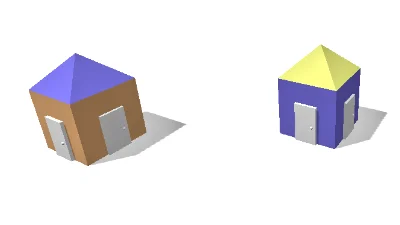
3D Tiles styling
Go to gallery demo