Gizmos
Gizmos are objects in the scene that can be interacted with. A gizmo offers the user the ability to move and rotate an object in the scene. For instance one can link a gizmo layer to a clipping plane to let the user manipulate the clipping plane as he sees fit. This is done by reacting to GizmoUpdateMessages send through the message queue.
Implementing interactions
It is up to the integrator to implement interactions between the gizmos and other elements. The engine simply exposes gizmos as an interaction primitive.
For example, moving a 3D model can be implemented by listening to gizmo update messages, then updating the model position in its layer with the position returned by the message.
A gizmo is composed of many components (axes, rings, etc.). It is fully customizable by choosing which components are active. For instance every axis can be enabled for moving a 3D object in the scene but a single axis may be enough for moving a clipping plane in its normal direction. Gizmos are manipulated relative to a frame of reference that can either be global or local to the object.
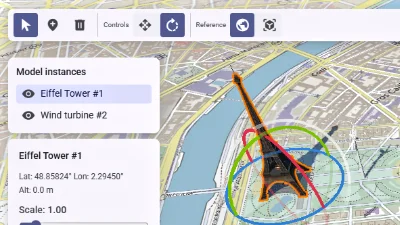
Scene editor
Go to gallery demo
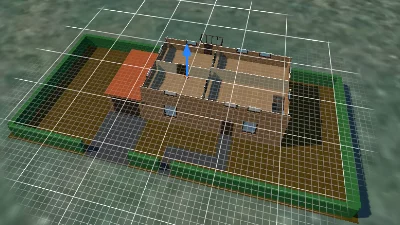
Clipping plane
Go to gallery demo
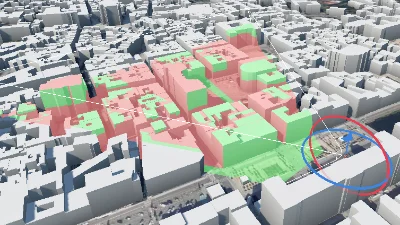
Viewshed
Go to gallery demo